 Pocket KBM
Pocket KBM · for Android 9 and later
Keyboard broken? Your phone is a Bluetooth keyboard and mouse.
Pair it like any Bluetooth keyboard. Nothing is installed on the computer, the phone needs no root, and nothing ever goes online.
Get it on Google PlayFree to connect, type and point. Pro is a one-time purchase — no subscription, no ads.
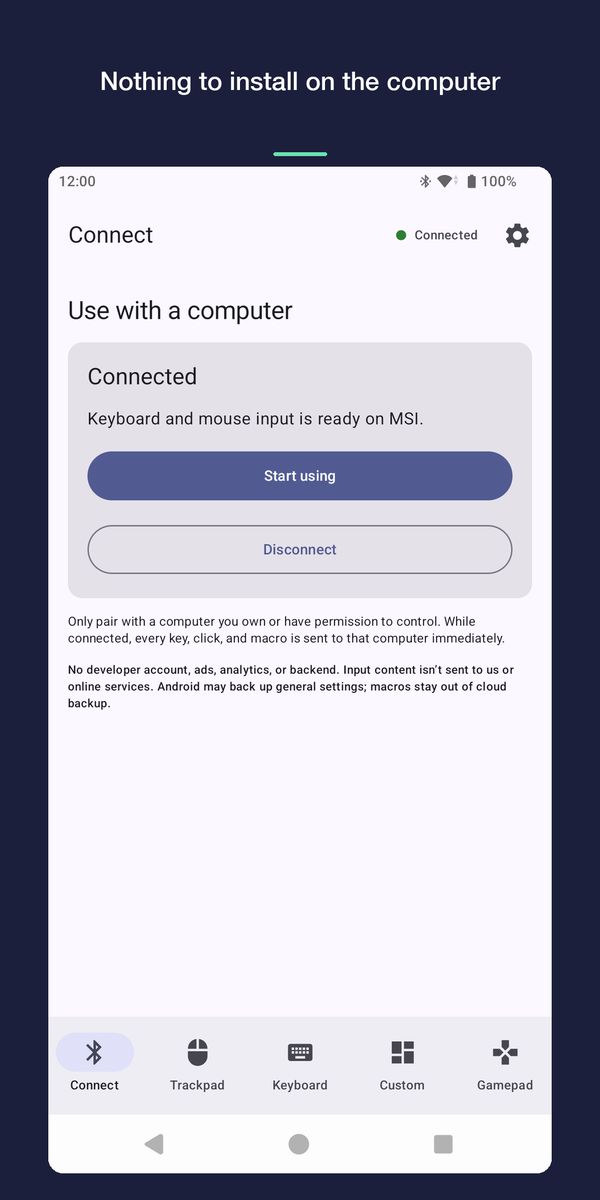
Three steps, all on the computer's side
- Open the appTap “Prepare to connect” and leave the screen open.
- Add a Bluetooth deviceOn the computer, open Bluetooth settings and add a device.
- Pick it and pairChoose “Pocket KBM” from the list. It works like any Bluetooth keyboard and mouse.
Pairing always starts from the computer. Don't search for the computer from your phone's Bluetooth settings — the phone is the keyboard here, so it is the one being found.
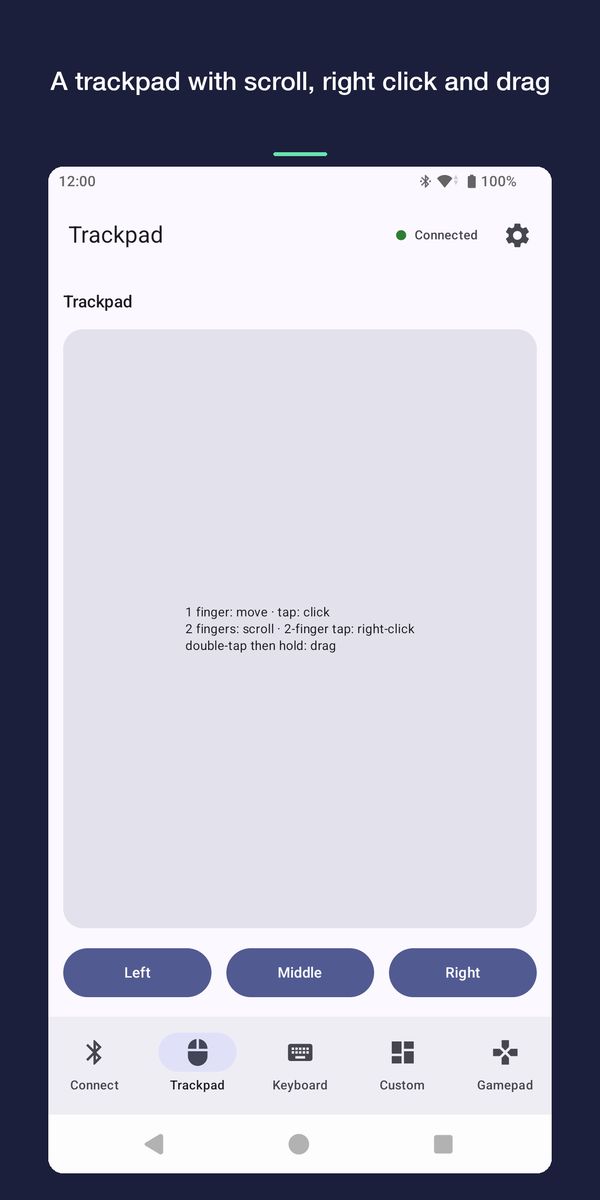
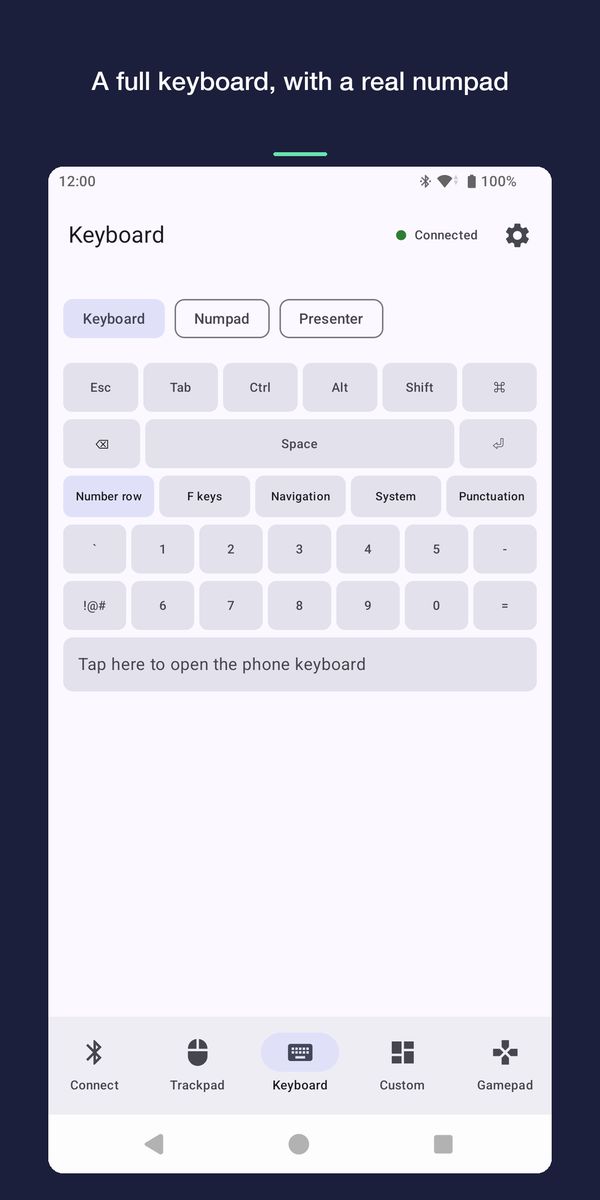
What it looks like
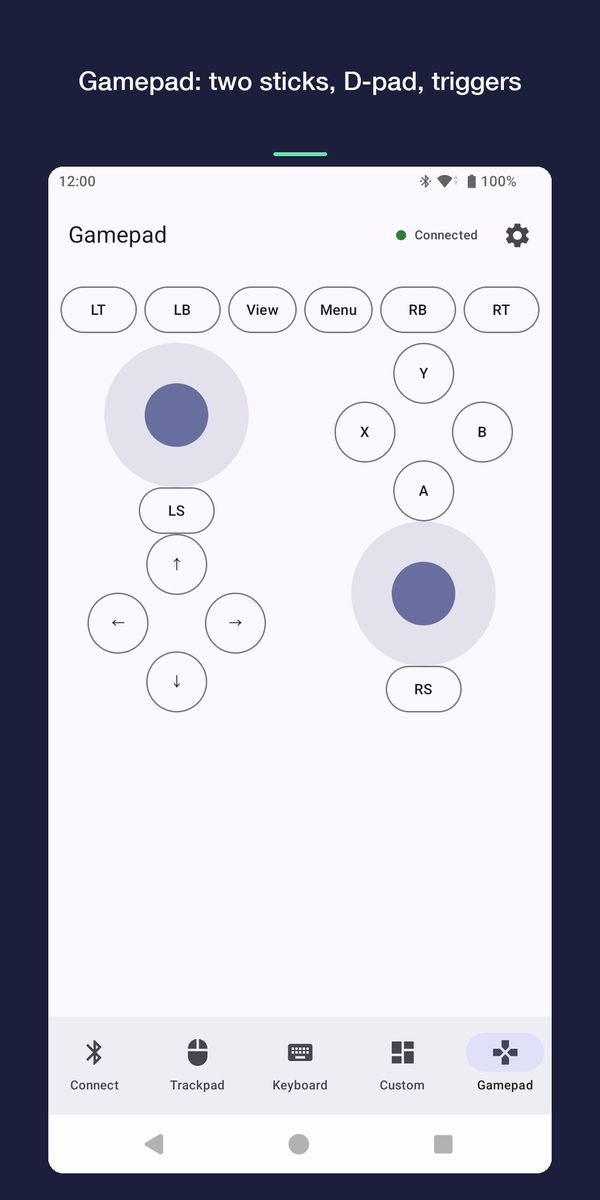
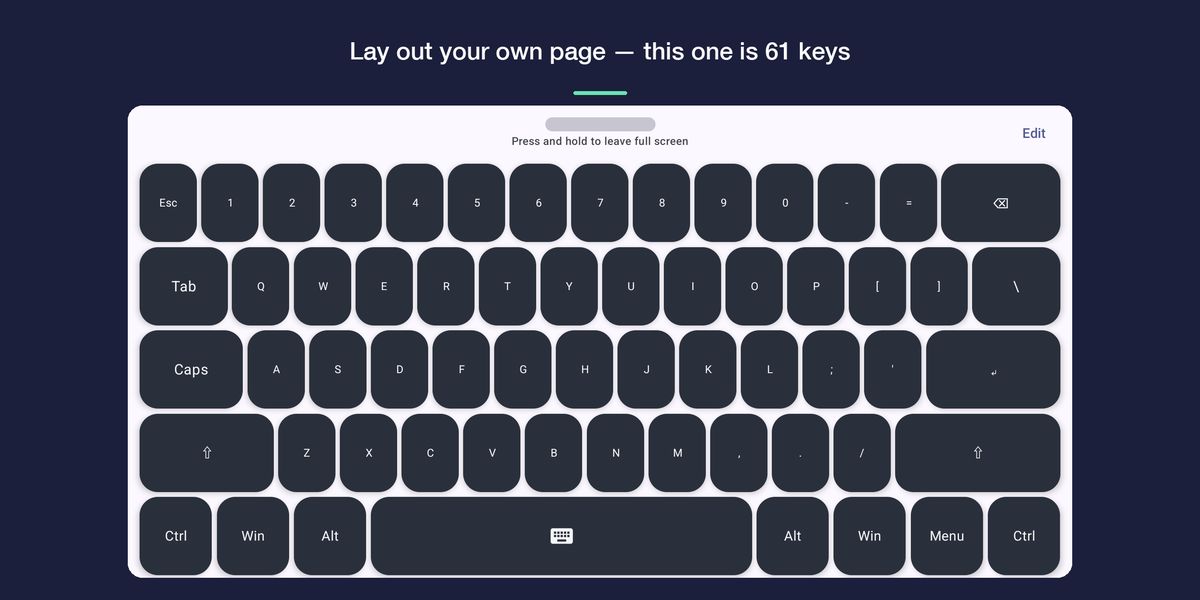
What works on which computer — measured, not promised
Bluetooth keyboards are a standard, but whether a computer honours a particular key is that computer's decision. A tick here means it was seen working on that machine, not that it ought to.
| Windows 11 | macOS | Android 7 tablet | |
|---|---|---|---|
| Typing and mouse pointer | Works | Works | Works |
| Also over Bluetooth LE | Works | Works | Does not |
| Volume keys | Works | Works | Not tested |
| Launch-application keys | Works | Does not | Not tested |
| Screen brightness keys | Works | Not tested | Not tested |
| Gamepad | DirectInput only | Not tested | Works |
| Analog triggers | Does not | Does not | Does not |
“DirectInput only”: games that support only XInput — many modern PC titles — will not see the gamepad. Not tested means exactly that: it may well work.
The Android column is an Android 7 tablet: Android 7 does not accept Bluetooth LE keyboards at all. Newer Android versions do, but were not tested here.
Free is a real keyboard. Pro is depth.
Free, for good
- Connect and reconnect to paired computers
- Trackpad — scroll, right click, drag
- Full keyboard with a real numpad, F1–F12 and latching modifiers
- Presentation remote — next and previous slide, start, black screen
- Gamepad — two sticks, D-pad, trigger buttons
- One custom page with up to 8 single-step buttons
Pro, one payment
- More custom pages, with your own layout
- Multi-step macros — combos, holds, delays
- Typed text on a button
- Media keys — playback, volume, browser, brightness
- Gamepad rapid fire
- Choose which tabs appear
The free tier exists so you can check your own computer before paying. The purchase belongs to your Google account, so a new phone costs nothing more.
Know these before you install
- Not every Android phone can act as a Bluetooth keyboard: the firmware must offer the HID Device role. Phones without it are told so plainly, and the app switches to Bluetooth LE — where the computer lists the phone under its own Bluetooth name.
- The gamepad is DirectInput. Games that only support XInput will not see it, and the Nintendo Switch almost certainly will not.
- LT and RT are buttons, not analog triggers, and there is no rumble.
- Keys are sent as US-layout positions. Accented letters, other scripts and emoji come from the computer's own keyboard layout or input method.
- Bluetooth latency is fine for typing and presenting, not for competitive gaming.
Questions
Why isn't “Pocket KBM” in my computer's Bluetooth list?
Usually because the phone is using Bluetooth LE: its firmware has no HID Device role, so the app fell back. Over LE the computer lists the phone under its own Bluetooth name — the one in Settings → About phone — and the app's waiting screen tells you which name to look for. LE is also slower to discover, so keep the phone close and let the scan run.
Do I need to install anything on the computer, or root the phone?
No to both. The phone connects as a standard Bluetooth HID device, the same kind of thing as a Bluetooth keyboard, so the computer needs no software or driver.
Does it need an internet connection?
No. The app has no internet permission at all. Only buying or restoring Pro needs the Play Store to be online at that moment.
Can I use it as a PowerPoint clicker?
Yes, and it is free: the keyboard tab has a presentation set — previous and next slide, start, black screen, end. They send PowerPoint's own shortcuts (Page Up, Page Down, F5, B, Esc). Page Up and Page Down also turn pages in most other slide programs and PDF viewers; start and black screen follow PowerPoint's keys.
Will the gamepad work with my game?
If the game reads DirectInput controllers, yes. Games that only support XInput — many modern PC titles — will not see it. That is a limit of Bluetooth HID, not a setting.
Which phones does it run on?
Android 9 or later. Most phones connect over Classic Bluetooth; phones whose firmware lacks the HID Device role use Bluetooth LE instead.